Automatic TikTok Stream Key Retrieval, One-Click OBS Setup
GoLive Bridge is a Windows TikTok stream key tool that automatically fetches the RTMPS server and stream key from your TikTok live stream and writes them into OBS with one click — go live on your phone, produce professionally on your PC.
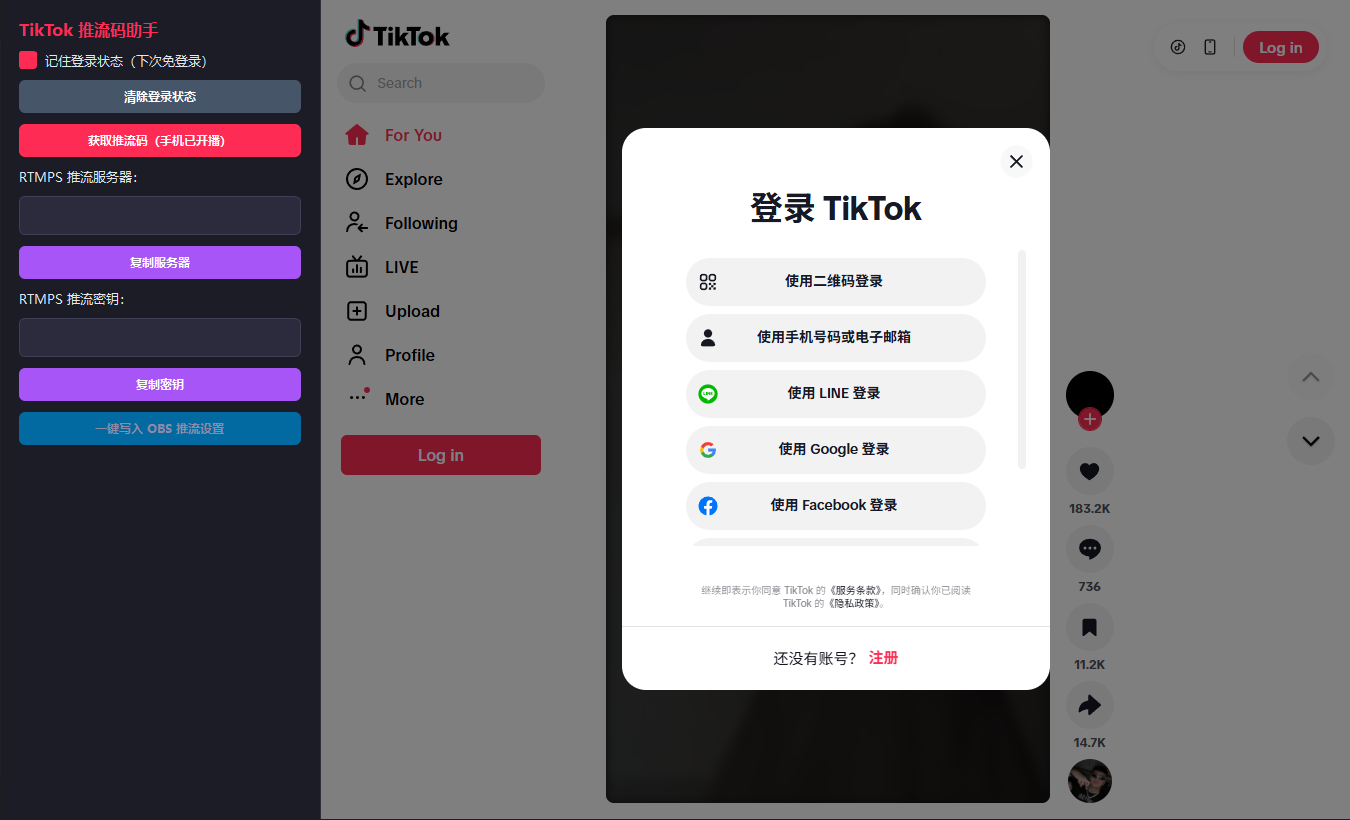
Built for "go live on mobile, produce in OBS"
Instead of hunting for the stream address and key in TikTok's app and retyping them into OBS, GoLive Bridge automates every one of those steps.
Auto-fetch the live server and key
While staying logged in to TikTok, GoLive Bridge automatically reads the stream server address and key your mobile live stream needs.
One-click write to OBS
The retrieved stream parameters are written straight into your local OBS Studio config — no more manual copy-pasting, no more expired or mistyped values.
Save your TikTok login session
Your login is saved locally, so you don't have to scan a QR code or sign in again every time you go live.
Monthly / Quarterly / Yearly plans
Pick the license length that fits your use case — solo streamers, agencies, and MCN teams all fit somewhere on the list.
Automatic updates
Built-in update checks let you update straight from the app when a new version ships — no need to redownload the installer.
Windows 10 / 11 64-bit
Purpose-built for the Windows desktop, and works alongside mainstream OBS Studio releases.
Five steps from mobile live to OBS
How GoLive Bridge works → · TikTok Mobile Live to OBS Guide →
GoLive Bridge is an independently developed third-party tool — it is not an official TikTok or ByteDance product. It does not offer or promote any way to bypass platform permissions, risk controls, or regional restrictions, and makes no guarantee about account safety or restriction status. Before using this product, confirm that your TikTok account already has official mobile live access, and follow TikTok's platform rules and the laws of your region.